

GIMP 3.0
Remove a background in GIMP
Remove an image background in GIMP 3.0 with Foreground Select, an alpha channel, mask refinement, and transparent PNG export.
7 minReviewed 2026-09-05
Read guide Follow current, source-checked steps for GIMP, Google Slides, PowerPoint, Canva, and Photoshop. Each guide also includes a private browser alternative when the built-in command is unavailable or needs extra correction.
Availability and menus can change, so every article shows its review date and links to the vendor's official documentation.
Remove an image background in GIMP 3.0 with Foreground Select, an alpha channel, mask refinement, and transparent PNG export.
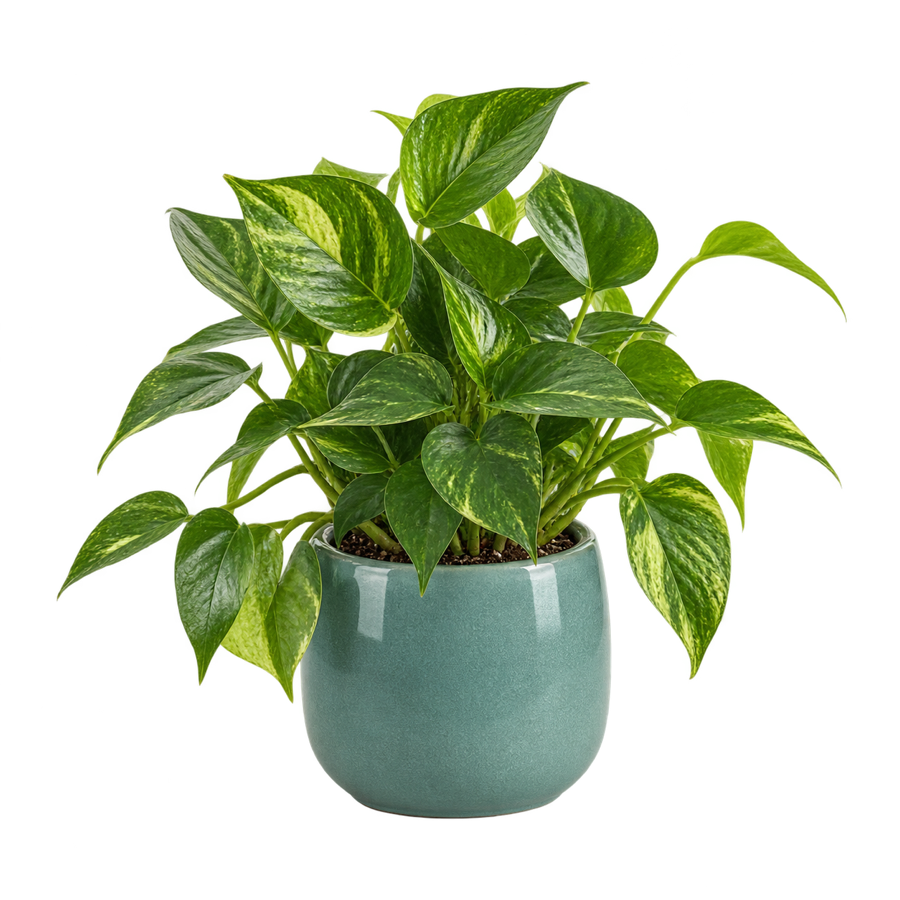
Remove an image background in Google Slides with an eligible Gemini plan, or create a transparent PNG first and insert it into any deck.
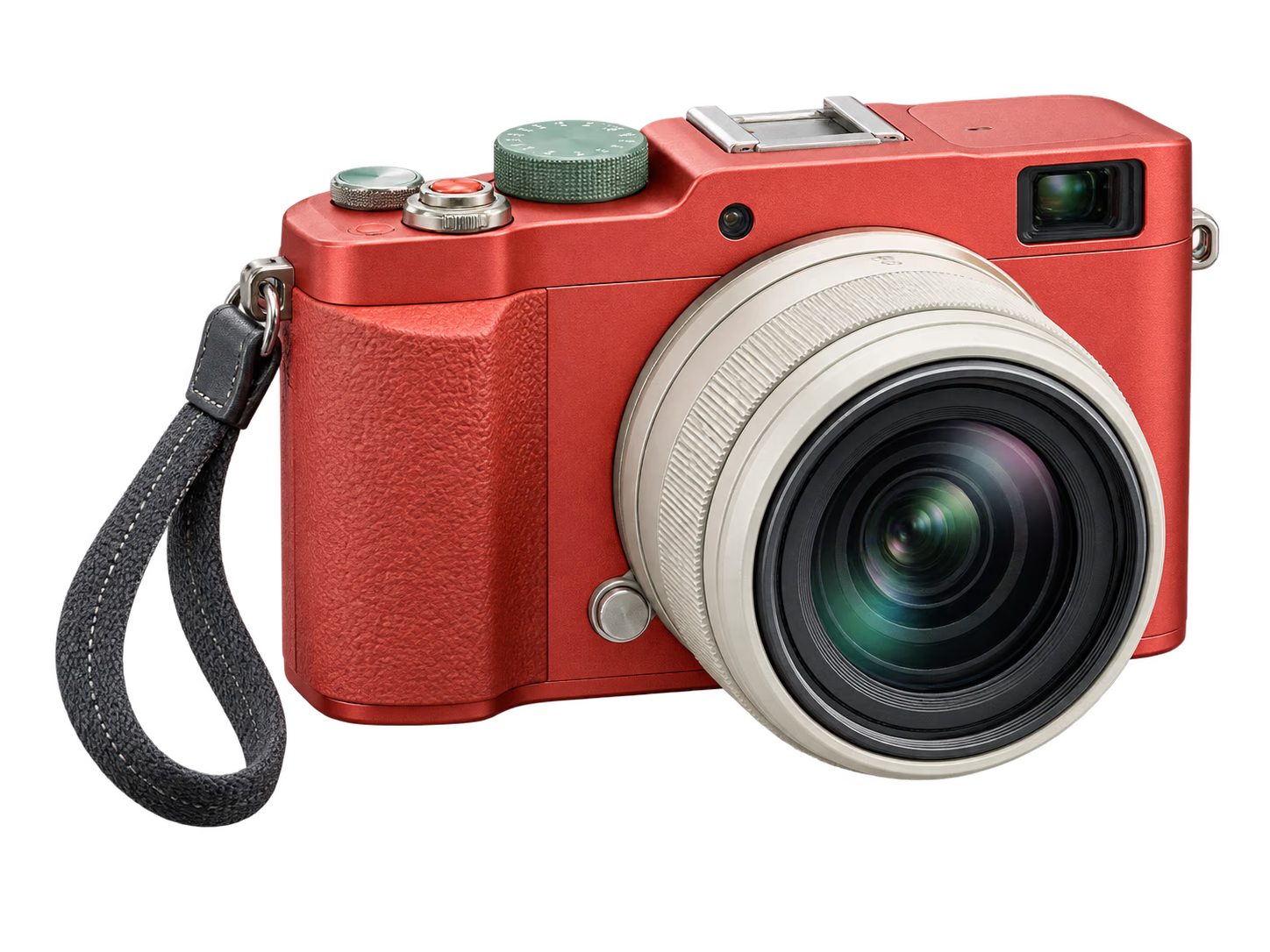
Use Remove Background in desktop PowerPoint, mark areas to keep or remove, and learn the transparent-PNG option for PowerPoint on the web.

Remove an image background with Canva BG Remover, adjust erased or restored areas, export PNG, or use a private browser alternative.

Remove a photo background with Photoshop Quick Actions, refine the layer mask with a brush, and export a transparent PNG.
Process the image locally, correct the subject mask with Keep and Remove points, and download a full-size transparent PNG without creating an account.