
PNG stores real transparency
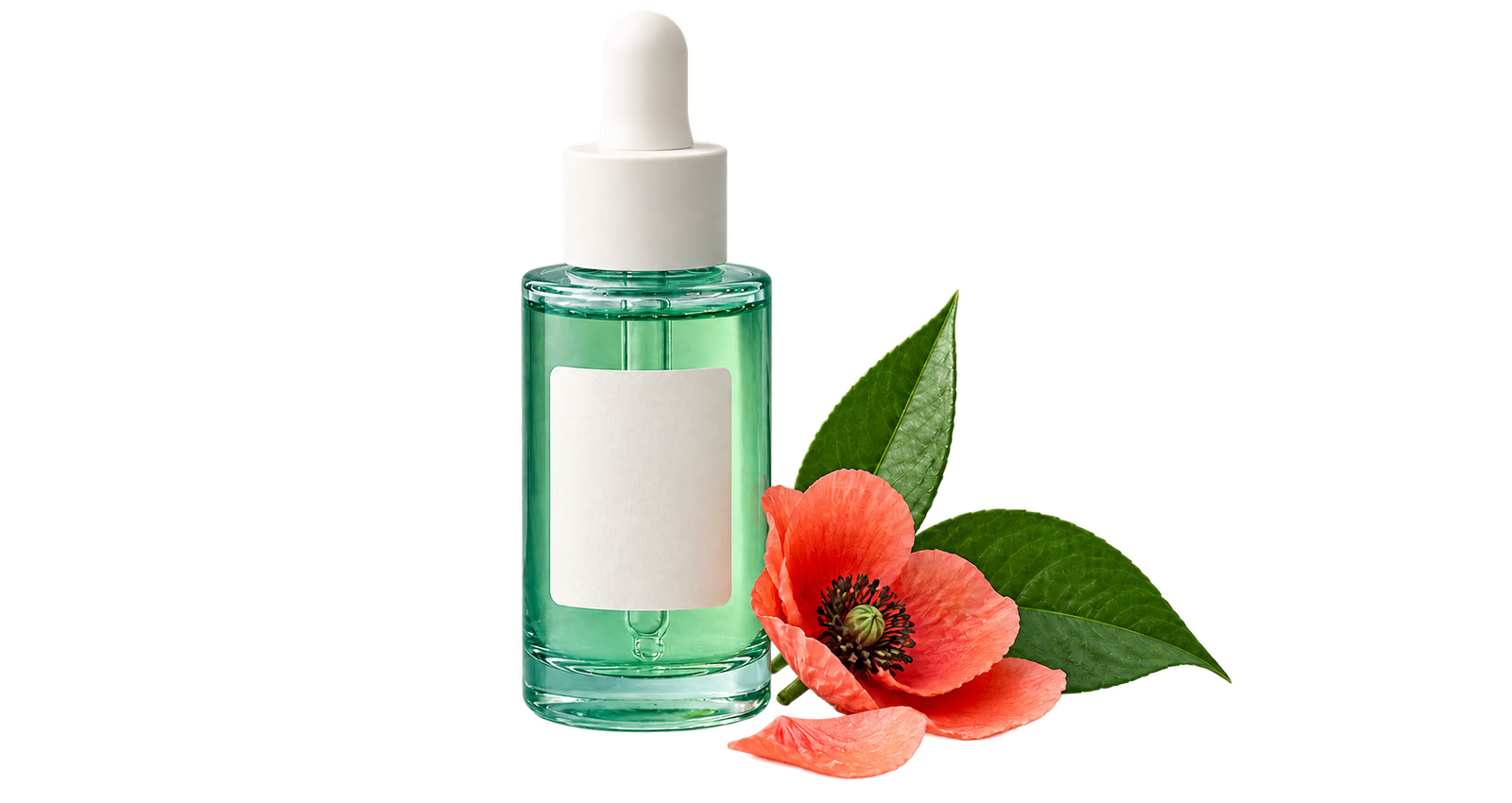
PNG includes an alpha channel for transparent and partially transparent pixels. JPG cannot store that channel and would replace the empty area with a solid background.
Create a transparent PNG from a product photo, portrait, logo, or everyday image. The AI runs in your browser, and Keep or Remove points let you correct the cutout before downloading it.
or drop up to five files
JPG, PNG or WebP · 20 MB eachYour images are processed locally and are not uploaded to our application server.
A transparent background makes one image reusable across websites, presentations, product listings, thumbnails, and print layouts. This tool first separates the main subject automatically, then shows the result on a checkerboard so missed areas are easy to spot. Add a Keep point to restore part of the subject or a Remove point to clear leftover background. The finished PNG keeps the original image width and height, and the source file stays in your browser throughout the process.

PNG includes an alpha channel for transparent and partially transparent pixels. JPG cannot store that channel and would replace the empty area with a solid background.
The source format does not need to support transparency. The browser creates a new PNG at the original width and height after you review the subject mask.
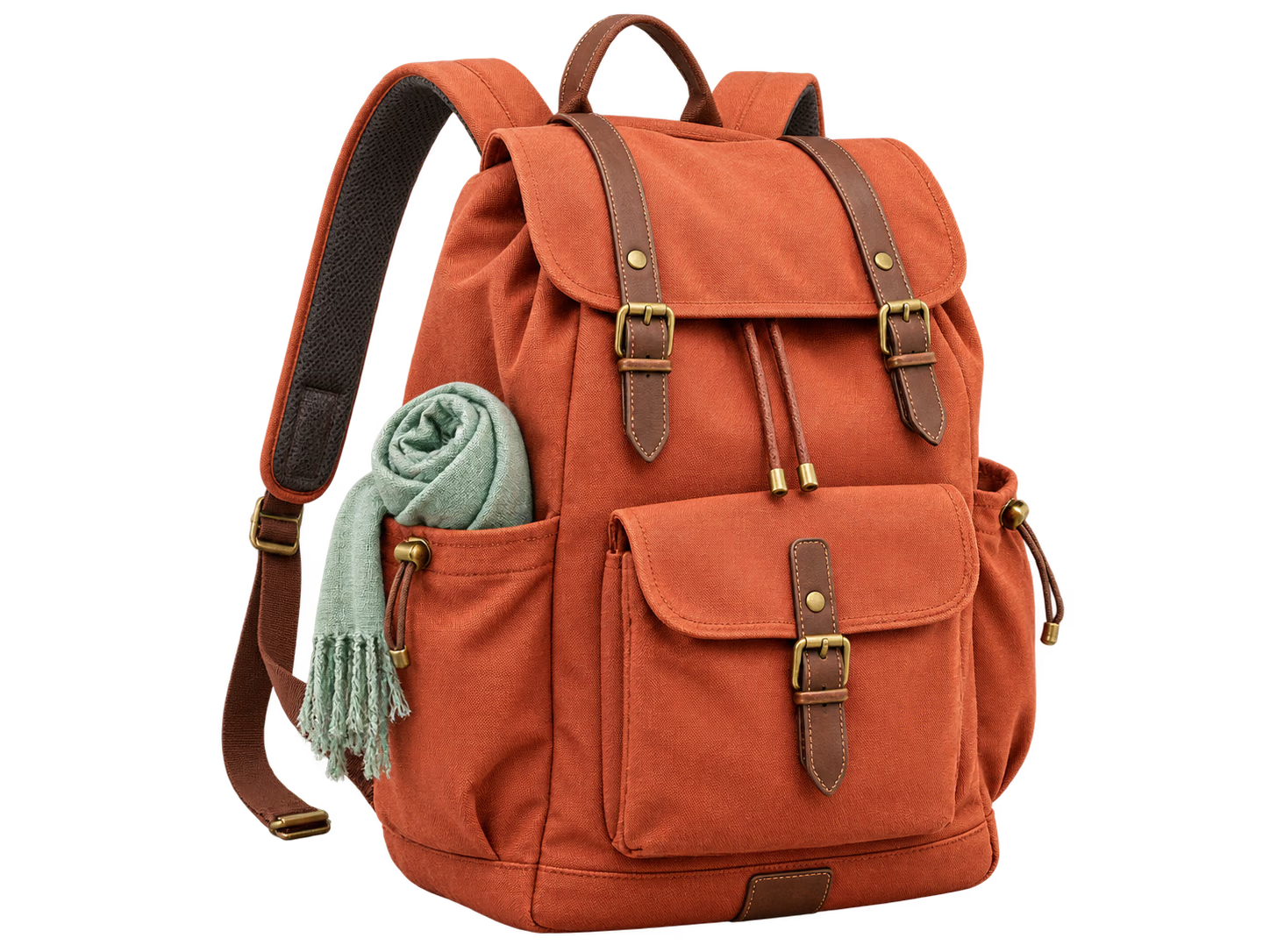
Prepare clean product cutouts that can be placed on white marketplace pages, branded store layouts, comparison graphics, and campaign backgrounds.

Separate a person from a distracting setting, then check clothing, hair, and accessories before using the PNG in a profile, slide, or social design.

Remove a solid backdrop from a logo or simple graphic and export a standard PNG that layers cleanly over documents, websites, and video frames.
Choose a file up to 20 MB from your device. You can also add as many as five images to the local queue.
Let the AI create the first cutout, then click Keep or Remove to correct any part of the subject boundary.
Review the checkerboard preview and save the finished image as a full-resolution PNG with alpha transparency.
Upload the image, wait for the browser-based AI to isolate the subject, refine the mask if needed, and download the result as a transparent PNG.
PNG supports an alpha channel, which stores transparent and partially transparent pixels. JPG does not support transparency and would replace the empty background with a solid color.
Yes. Logos with a clear boundary or solid backdrop are often good candidates. Inspect small lettering and interior spaces, then use Keep or Remove points where needed.
Yes. The working preview is optimized for browser processing, but the final alpha mask is applied at the source image dimensions before download.