
Capture quality matters
Faint pencil, glare, ruled paper, folds, low resolution, and disconnected strokes can require corrections. Background removal cannot restore a stroke never captured clearly.
Separate a handwritten signature from white or off-white paper, correct missing ink strokes, and download a transparent PNG. The image is processed in your browser and is not sent to our application server.

or drop up to five files
JPG, PNG or WebP · 20 MB eachYour images are processed locally and are not uploaded to our application server.
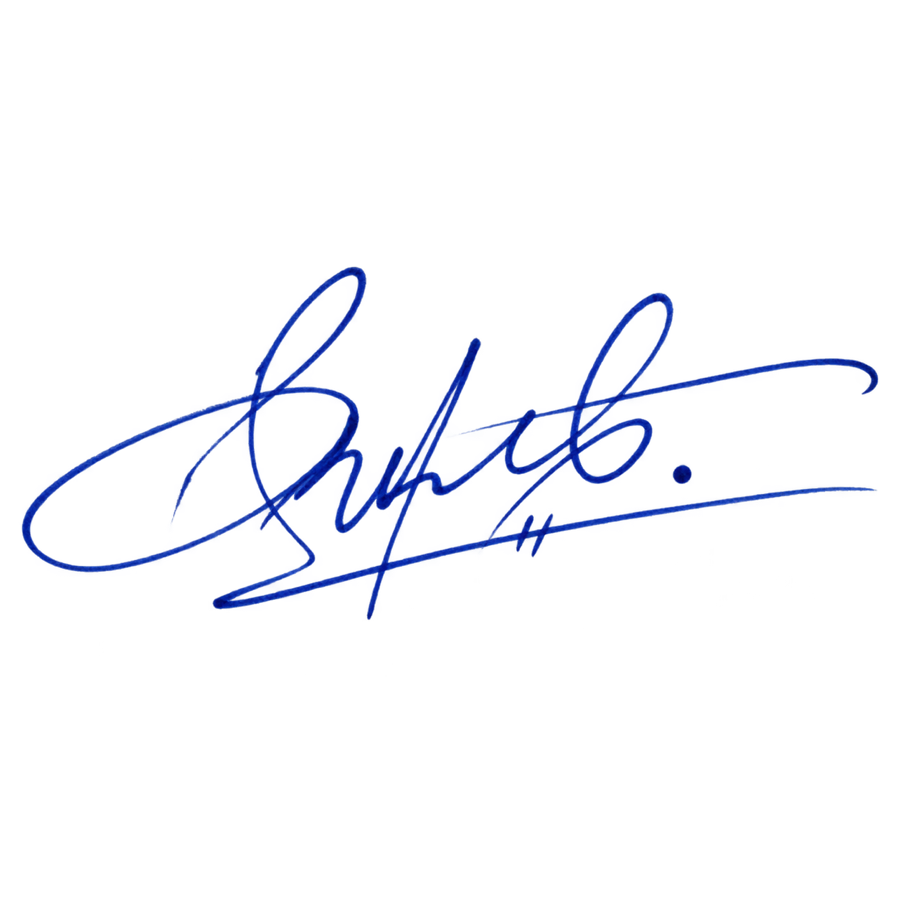
A photographed or scanned signature often includes white paper, gray shadows, folds, texture, dust, or compression noise. Thin pen strokes can also be lighter than the surrounding ink. A useful cutout needs to clear the paper while preserving the complete signature shape.
Compare the initial mask with the original, then choose Keep and click any stroke that disappeared. Choose Remove and click paper, shadow, or noise that remains. Work from the main signature toward the smallest details.
The finished file is a full-size PNG with alpha transparency. You can place it over a document or design without the paper rectangle, provided you have permission to use that signature.
Faint pencil, glare, ruled paper, folds, low resolution, and disconnected strokes can require corrections. Background removal cannot restore a stroke never captured clearly.
This tool does not verify identity, add encryption or a certificate, certify a document, or determine legal acceptance. Process only signatures you own or may use.
Reviewed 2026-09-05
Place the PNG in a document, form, invoice, letter, or internal template when that workflow and the recipient allow an image-based signature.
Use a handwritten name as an authorized creator mark, closing slide, artwork credit, or personal brand element without the paper rectangle.
Preserve a clean raster copy for layouts and records. Keep the original scan because background removal changes presentation, not authenticity.
Upload a JPG, PNG, or WebP file up to 20 MB. Sharp, evenly lit images with strong ink-to-paper contrast give the model clearer edge information.
Use Remove on leftover paper or shadows and Keep on faint loops, dots, crossings, and disconnected strokes that belong to the signature.
Save the full-resolution PNG and place it over dark and light test backgrounds to find broken strokes, halos, or remaining paper.
Upload the image, review the mask, add Keep points to missing ink and Remove points to leftover paper, then download a transparent PNG.
It can preserve many visible strokes, but faint or broken lines may need Keep points. Inspect the result at the size and on the background where it will be used.
No. It creates a transparent image. It does not add identity verification, encryption, a certificate, or legal validity.
The selected image, mask, correction points, and generated PNG stay in the current browser session and are not sent to our application server. Model files are downloaded for local processing.
The result is a PNG with an alpha channel at the source dimensions. JPG is not used for output because it cannot store transparency.