
Upload a green screen JPG, PNG, or WebP image
Choose one image up to 20 MB. The tool reads it locally and auto-detects the dominant color along the outer edge.
Use this free green screen remover to turn a green or blue photo backdrop into transparency. Auto-detect the screen color or sample it from the image, then tune tolerance, soften the edge, reduce color spill, and download a full-size PNG.
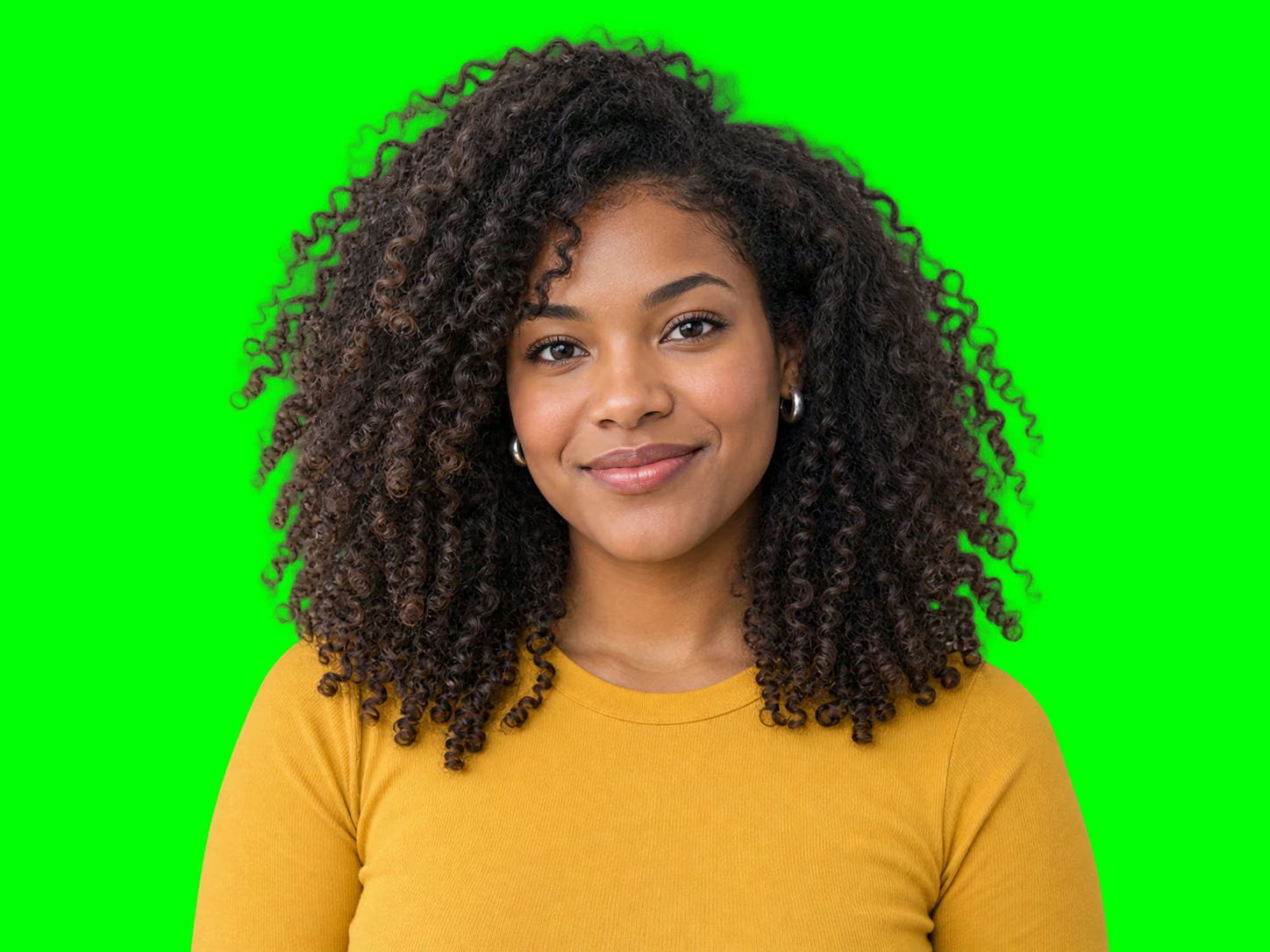

or drop a green screen photo here
JPG, PNG or WebP · up to 20 MBThe image and every pixel operation stay in this browser session.
A chroma key removes pixels that are similar to a selected screen color. This browser tool starts by detecting the dominant color around the image border, while Green, Blue, a color picker, and click-to-sample controls let you correct it. Tolerance expands or narrows the matched color range, edge softness creates a gradual alpha transition, and spill reduction tones down reflected green or blue near the subject boundary.
Switch from Result to Matte before export to inspect the alpha mask directly: white areas remain visible, black areas become transparent, and gray areas form soft edges. Check the result over transparent, white, and dark preview backgrounds so a halo does not hide against a single color.
The source image and every pixel operation stay in the current browser session. The download is rendered again at the original width and height as a PNG with a real alpha channel; the checkerboard itself is never added to the file.
Choose one image up to 20 MB. The tool reads it locally and auto-detects the dominant color along the outer edge.
Choose Green or Blue, enter a HEX value, or use the eyedropper on the source. Adjust tolerance, edge softness, and spill reduction while checking Result and Matte views.
Preview the cutout over light and dark colors, then export a PNG at the source image width and height with no watermark.
Color keying removes similar pixels across the image, so green clothing, props, reflections, or logos may also become transparent. Lower tolerance or use a screen color that does not appear in the subject.
An uneven screen produces several shades. Sample a representative area, increase tolerance gradually, and add softness only as needed; extreme settings can erase subject edges.
Reviewed 2026-09-15
Create transparent portraits and still-image overlays for thumbnails, livestream graphics, social posts, course covers, and profile images without opening a timeline editor.
Separate products, props, mascots, or campaign objects photographed against a controlled green or blue screen, then place the PNG in a listing or design.
Extract a character, reaction image, game asset, or compositing element from a flat chroma background while keeping the original canvas dimensions.
Upload a JPG, PNG, or WebP, let the tool detect the screen color, then adjust tolerance, edge softness, and spill reduction. Inspect the matte and download the finished transparent PNG.
Yes. Use automatic border detection, the Green or Blue preset, the color picker and HEX field, or activate the eyedropper and click the source image.
Increase spill reduction to neutralize reflected screen color near similar pixels. Use edge softness for a gradual alpha transition and check the cutout over both white and dark backgrounds.
Yes. Choose the Blue preset or sample any solid screen color. The same tolerance and edge controls apply to the selected chroma key.
No. Image decoding, color sampling, preview rendering, and PNG export run in your browser. The selected image is not sent to our application server.
No. This page processes still JPG, PNG, and WebP images. It does not accept video, GIF, SVG, PDF, or RAW files.